

Your tools, on written rules.
AUVY works in the tools your team already uses. Each connection is described in three short files that say exactly what AUVY may read, what it may write, and which addresses it may reach. We publish those rules here, word for word.
Drawing: small streams joining one river. Every source feeds the same project.
Three files per connection
Every connection is written down before it runs.
Nothing about a connection lives in someone's head or in hidden settings. Each one is three plain files, checked before AUVY installs it.
surface.jsonWhat it can do
The list of commands the connection offers, like “list mail” or “read a file”, and the only web addresses it may talk to.
policy.jsonWhat it may do
For every command: does it only read, or does it change something? And where does what it reads land: in your own space or in a project?
HARNESS.mdHow to use it
One page of instructions, written for your team and for AUVY alike. Both follow the same page.
The format is HCP, an open way to describe what a tool connection can do. AUVY started it and uses it for every connection. About HCP →
The same checks, every time
Every call passes the same seven checks, in order.
It does not matter whether you, a colleague or AUVY asks a tool for something. The request goes through the same line of checks.
- Who is askingA named person, or AUVY acting for one.
- AllowedThat person must have been given this command.
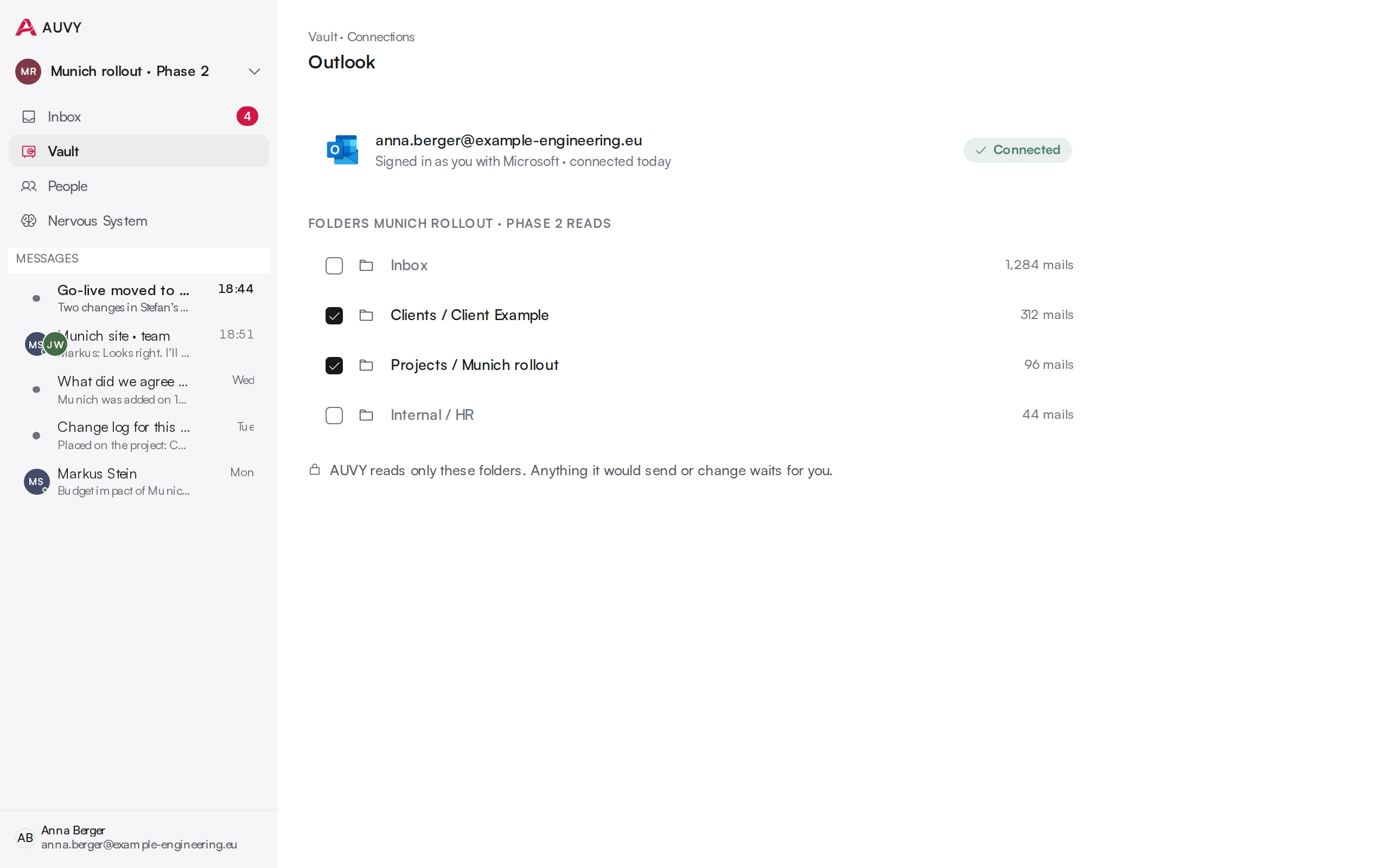
- ConfirmedAnything that changes or sends waits for a person to accept it.
- Signed in as youYour own Microsoft or Google login. The keys stay in AUVY's keyring, never in the connection.
- The toolThe command runs in Outlook, Teams or SharePoint.
- Fenced inIt runs in a sealed space and may only reach the addresses its rules list.
- Written downEvery call is logged: who, what, when.
If any check fails, nothing happens. There is no “try anyway”.
No side door
AUVY uses your tools the way your team does.
You, your colleague and AUVY use a connection through the same commands, under the same rules. AUVY gets no wider access than the person it works for, and no command that isn't written in the connection's files.
The connections
What each tool lets AUVY do.
Every page below lists the rules in plain words, and every command in full.
- OutlookMail and calendarMail in the folders you choose, with attachments and whole threads · Nothing leaves until you accept it.
- TeamsChannels and chatsThe teams and channels you belong to, and their messages · Nothing leaves until you accept it.
- SharePoint and OfficeFiles and documentsSharePoint sites, folders and files you can open
- GoogleGmail and Google CalendarMail in the folders you choose · Nothing leaves until you accept it.


Questions about this
Does AUVY send anything on its own?
No. AUVY prepares the next step. A person accepts, edits or rejects it. Nothing leaves without that.
What access to Microsoft 365 does AUVY need?
Each person connects with their own Microsoft sign-in, so AUVY sees only what that person can see, and only the mailboxes, teams and sites they connect. Every command a connection may run, and every address it may reach, is published.
Connections →